


Manual
~30 min
With InnoviumAI
~15 min
Radar Cross Section Simulation
CST Studio workflow coordinated by Simulation and Documentation agents.
Platform
Coordinate AI agents, models, and your existing scientific software in one desktop platform. Run research workflows while your team stays in control.


How it works / 01
Describe your research goal in plain language. Configure your agents, models, tools, and knowledge to carry out the work.
Describe the research or engineering outcome you need.
Create or select agents and equip them with models, tools, and knowledge.
Agents carry out tasks across your scientific tools, following the workflow you configure.
Review outputs and approve actions that require your judgment.
Real workflows / 02
From simulation parameters to structured results, the team carries work across tools while preserving the evidence behind every output. Click a use case to watch it in action.
Manual
~30 min
With InnoviumAI
~15 min
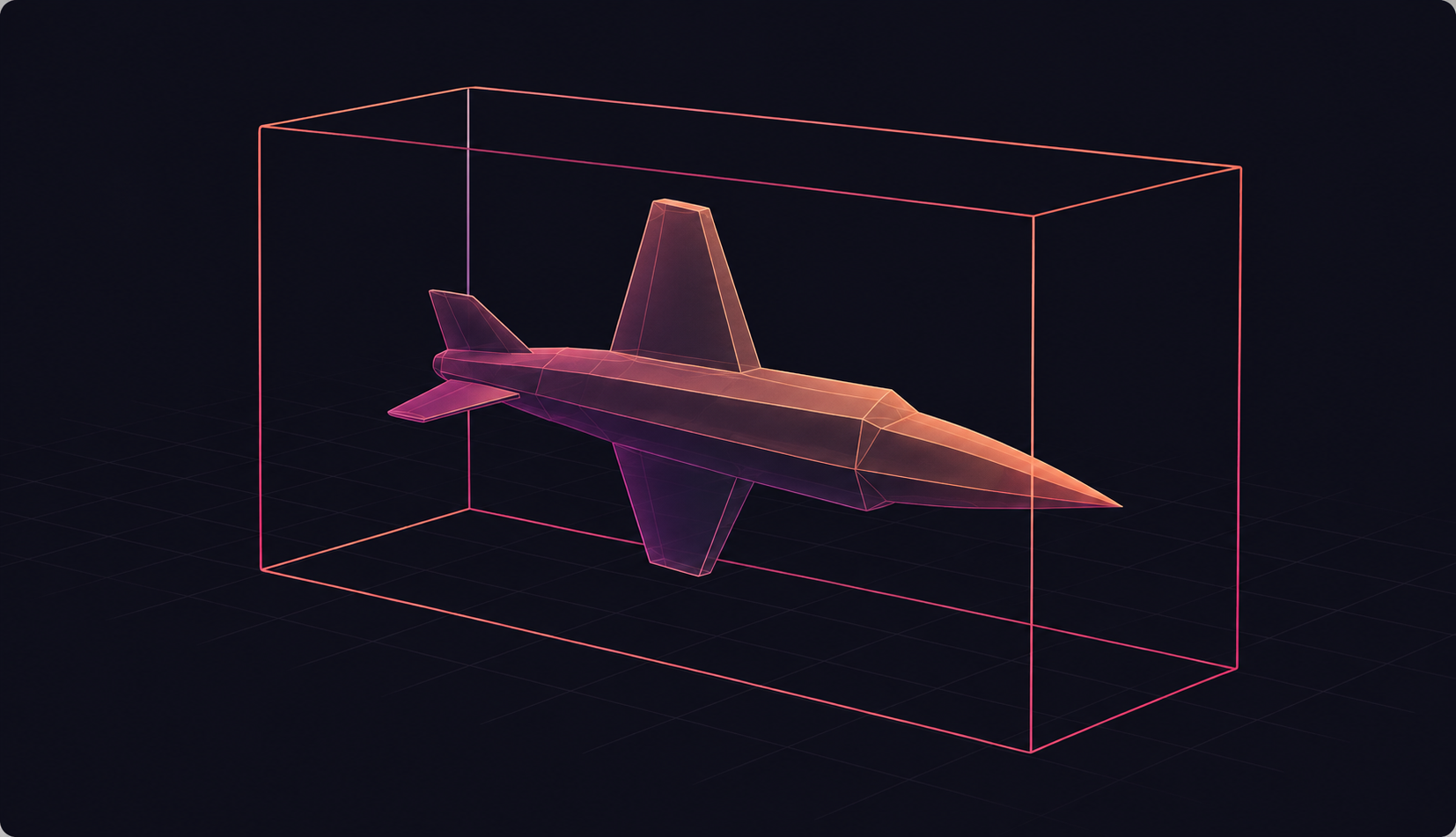
Radar Cross Section Simulation
CST Studio workflow coordinated by Simulation and Documentation agents.
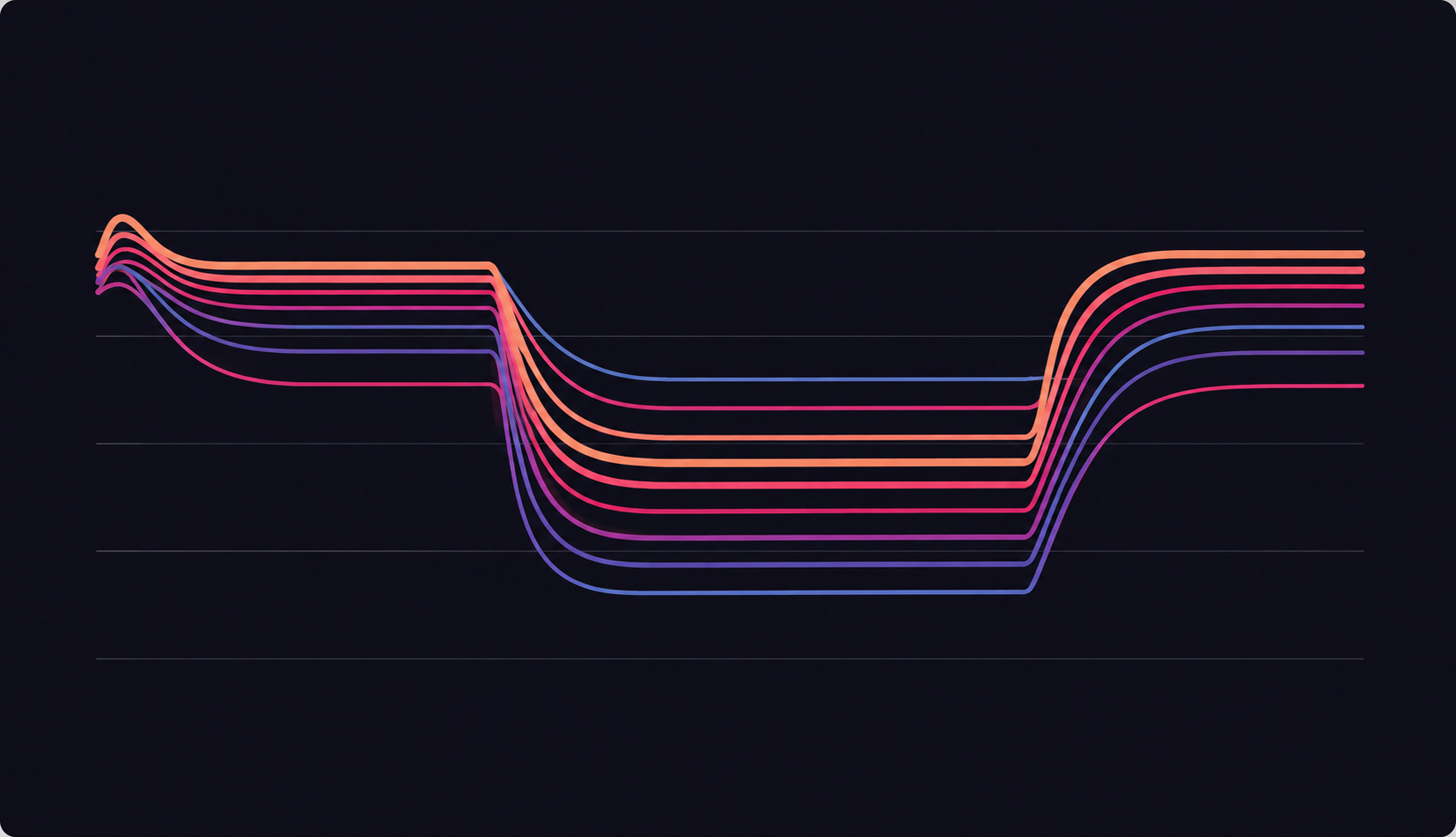
Manual
~3 hours
With InnoviumAI
~5 min
Gas Turbine Controller
MATLAB and Simulink analysis across multiple operating scenarios.
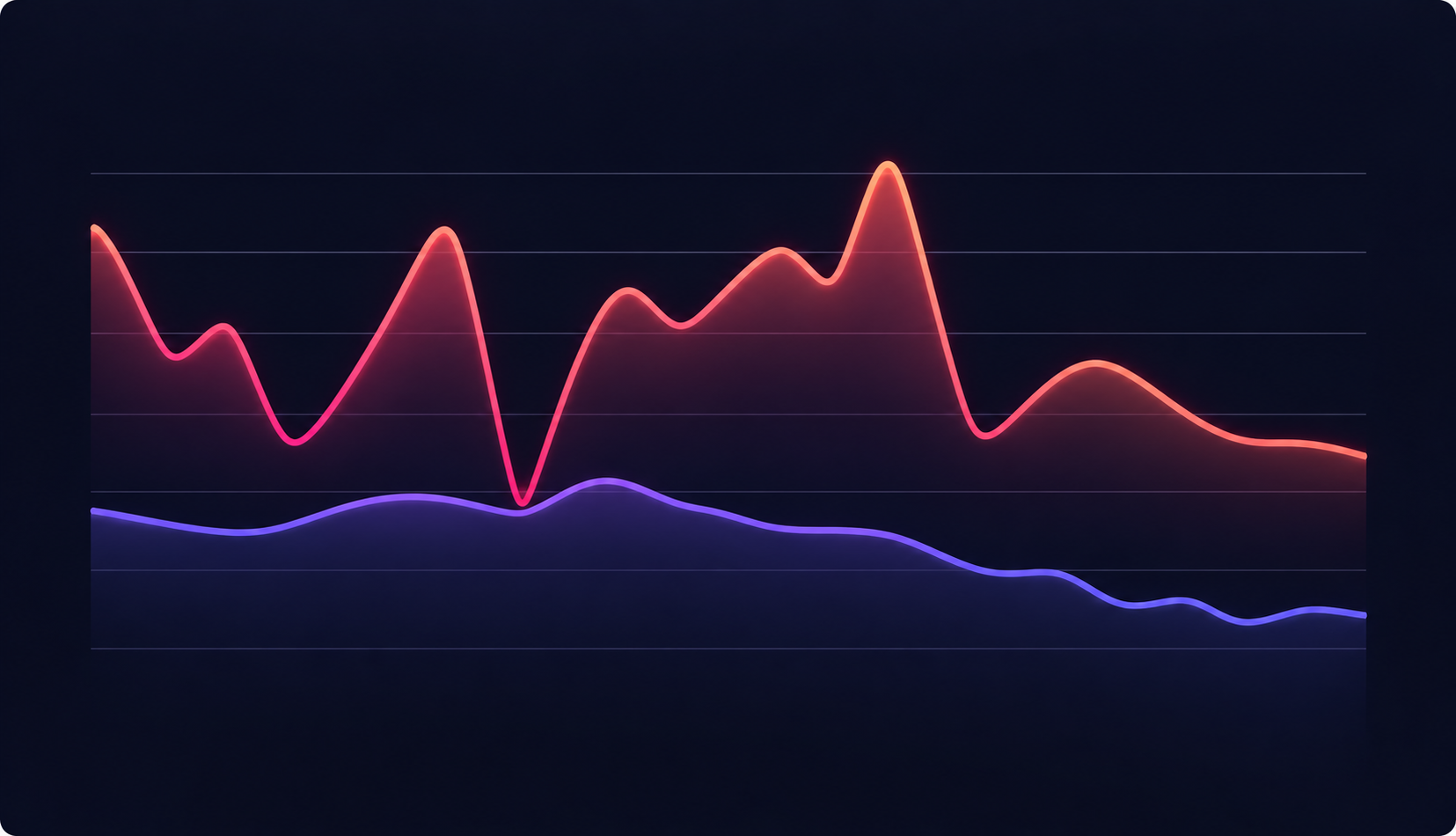
Manual
~7 hours
With InnoviumAI
~30 min
PX4 Flight Data
ULog analysis, visualization and a structured engineering report.
AI teams / 03
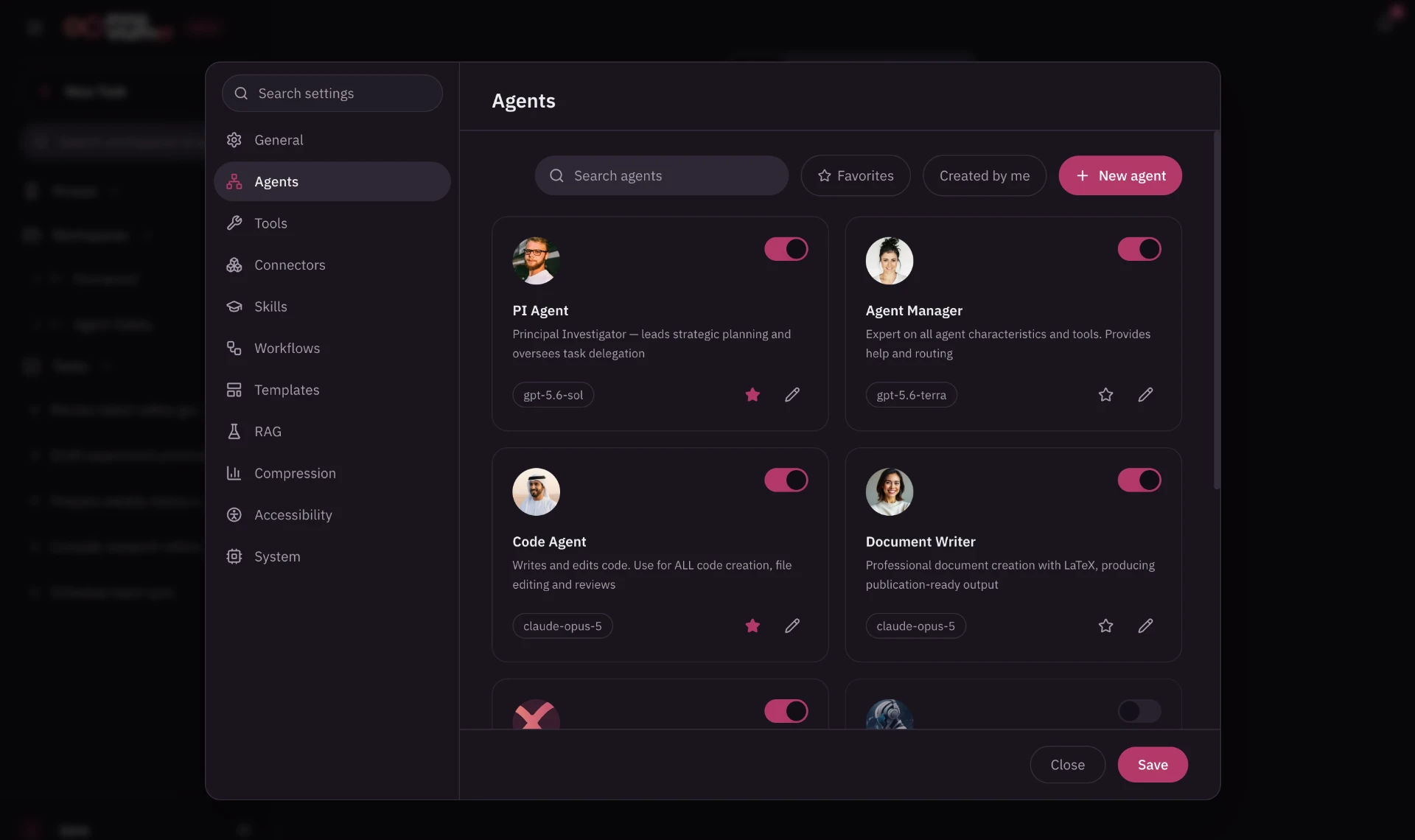
Create or select specialized agents for research, simulation, code, analysis, and documentation. Configure their roles, models, and tools around your needs.
Plans and coordinates
Finds and structures knowledge
Runs scientific software
Builds computational workflows
Analyzes and visualizes results
Creates research outputs
Tools & connectors / 04
Explore how agents use scientific software, data sources, and connected systems.
Orchestration / 05
See agents work across your scientific tools, follow their progress, and review the outputs.
The lead agent assigns tasks to specialists and brings their outputs together as the workflow progresses.
Human oversight / 06
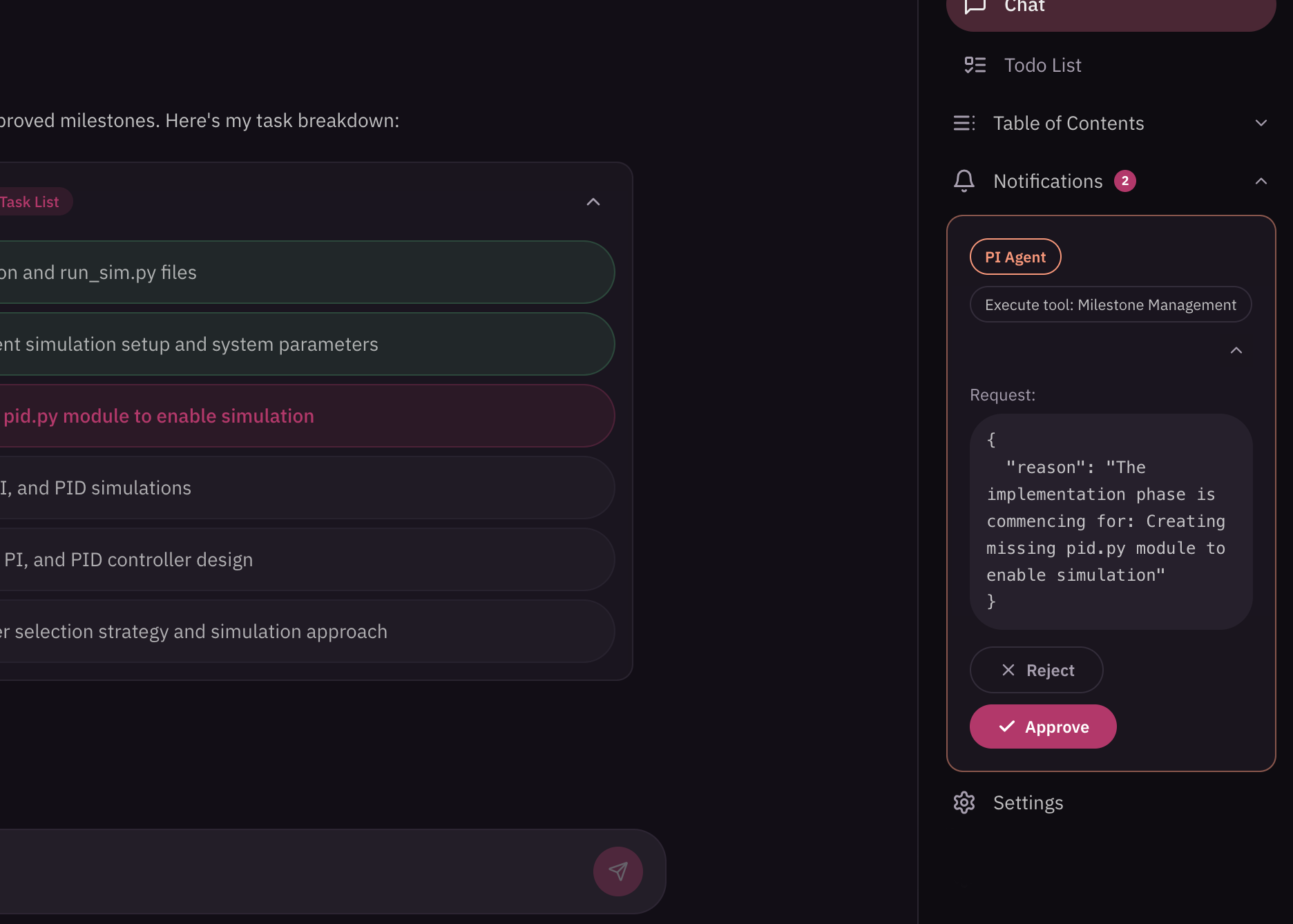
Follow the work as it happens, approve critical actions and inspect the outputs that matter.
Deployment & security / 07
Keep workflows close to your files, scientific software, and compute resources. Connect to remote models, tools, and systems when your research requires them.
Deployment
Run workflows close to the files, software, and infrastructure your team uses.
Connect to remote models, tools, or compute resources when your research requires them.
Choose an arrangement that fits your infrastructure and governance requirements.
Security
Configure which tools and resources each agent can use.
Set whether tool actions run automatically, require approval, or remain blocked.
Inspect the requested action and its parameters before granting approval.
Explore how InnoviumAI could fit your team’s research workflows.
Request a demo